
Amazon product listing optimization comes down to six pillars: keyword research, the title, images, bullet points, the description (or A+ Content), and reviews. Each one feeds discovery (can shoppers find you) or conversion (do they buy). Amazon rewards both. Neglect either and the listing stalls.
This is the foundations guide. If you already know the pillars and want tooling, our listing optimization tools comparison covers that; if you want the full ranking picture beyond the listing itself, we mapped it in 23 ways to rank higher. This post is about getting the listing itself right, pillar by pillar, with the specs that apply in 2026 and my notes on where sellers stumble.
We optimize listings for client accounts daily. We tested most of this on real catalogs, so alongside the standard advice I’ll flag what goes wrong in practice.
How Amazon’s search algorithm treats your listing
Amazon’s ranking systems (historically called A9) sort results by two questions: is this product relevant to the query, and will it convert if shown?
- Relevance comes from your title, bullets, description, and backend keywords matching real shopper queries.
- Performance comes from sales history, conversion rate, and velocity. Amazon shows what sells.
- Best Seller Rank reflects recent sales within a category; it is an output of good optimization, not an input you edit.
The practical consequence: keywords make you eligible, conversion makes you rank. Simple to say. Hard to fake. Every pillar below serves one or both.
Pillar 1: Keyword research
Keywords bridge what customers type and what you sell. Two placements matter: front-end (title, bullets, description, visible to shoppers) and back-end (the hidden Search Terms field Amazon indexes).
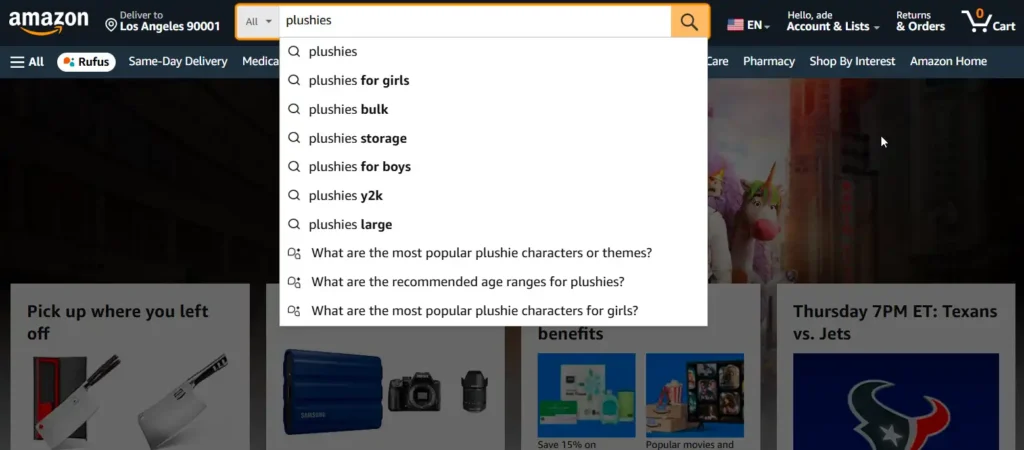
Where to find terms worth targeting:
- Amazon’s autocomplete, which reflects real query demand.
- Competitor listings, especially the phrasing repeated across the top ten results.
- Product Opportunity Explorer and, for brand-registered sellers, the Search Query Performance dashboard, which is first-party data on what buyers actually type.
- Dedicated tools like Helium 10 and Jungle Scout for volume and competition data.
My rule: prioritize relevance over volume, always. A wireless headphone listing gains more from “Bluetooth,” “noise-cancelling,” and “over-ear” than from a huge generic term it will never win. The backend field has its own rules and a byte limit; we covered them in detail in our search term optimization guide.
Pillar 2: The product title
The title is your heaviest visible relevance signal and your first impression in search results, simultaneously. Two jobs, one line of text.
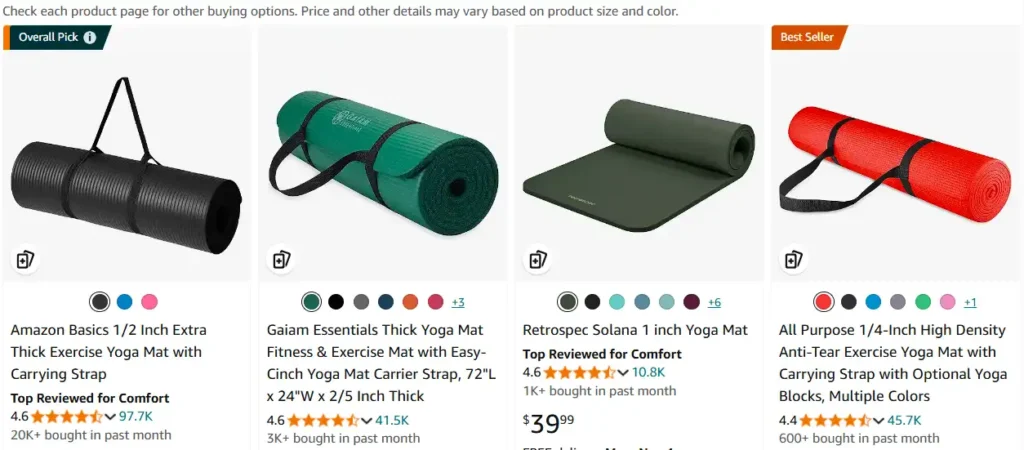
A strong title carries, roughly in order: brand, product type, the primary keyword phrase, and the attributes buyers filter by (material, color, size, count). Like this: “Sony WH-1000XM4 Wireless Noise-Cancelling Headphones, Over-Ear, Black, Bluetooth, 30 Hours Battery.”
Best practices that hold up:
- Aim for about 80 to 150 characters. Amazon’s category rules allow more, but mobile truncates early, and the first 80 characters do most of the work.
- Use numerals (“10” not “ten”) and skip promotional phrases and special characters, which violate style rules and can suppress listings.
- Front-load. In my experience the single most common title mistake is burying the product type behind a brand story nobody searched for. Lead with what it is.
Pillar 3: Images
Images decide the click and carry much of the conversion. Amazon gives you up to nine slots, with roughly the first seven visible on the detail page. Wasting any of them is leaving money on the table, and I’ve found most listings waste three.
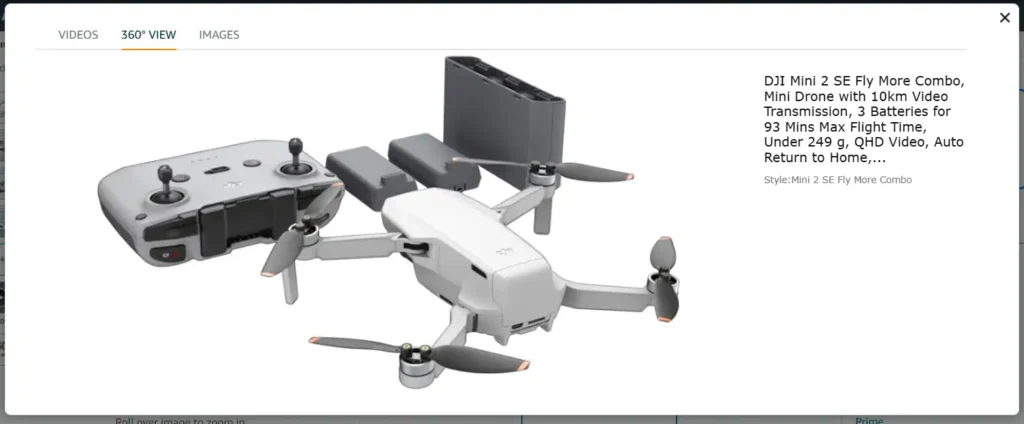
The technical floor: JPEG or PNG, pure white background on the main image, and at least 1000 pixels on the longest side so zoom works. That is compliance, not optimization. Do not confuse the two.
Optimization is the image stack: a sharp main image, close-ups of details that answer questions, lifestyle shots that show scale and context, and infographics that carry your top three benefits for the shoppers who never read text, which is most of them. Name files with relevant keywords and fill alt text where you control it. Small wins, but free.
Honestly, this pillar is where we see the biggest gap between effort and payoff across audits. Sellers polish bullets for hours while running six-year-old photos. If the budget covers one professional upgrade, make it conversion-grade images, and test the new main image properly (our A/B testing guide covers how).
Pillar 4: Bullet points
Five bullets, each doing one job: convert a feature into a buyer outcome.
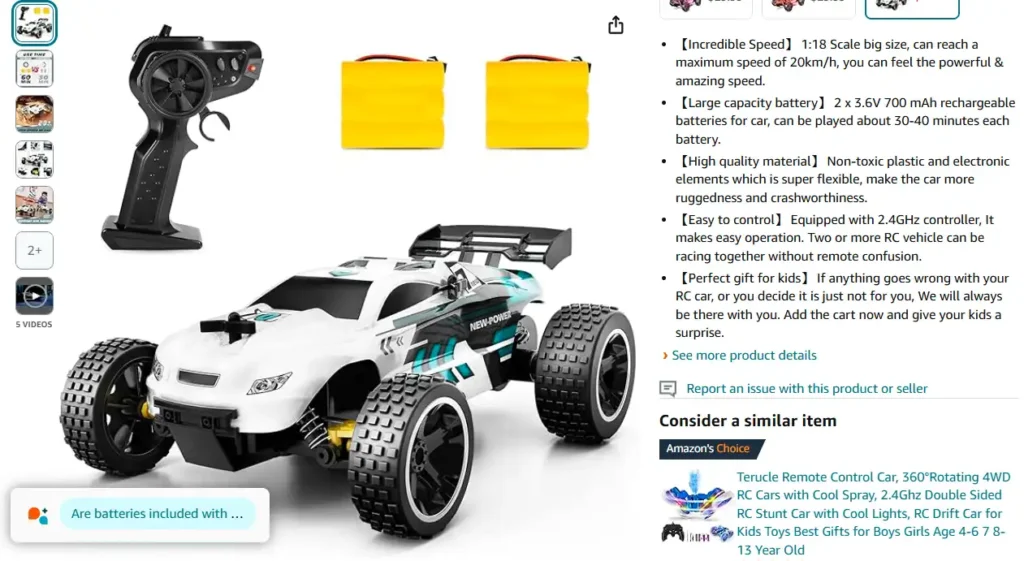
What works, from the hundreds of bullets we rewrite:
- Benefit first, then the feature that delivers it. “Blocks out the office, 30-hour battery” beats a spec dump.
- Steal customer language from reviews. The phrasing buyers use to praise (or complain about) your category converts better than marketing language, because it answers the exact question in the shopper’s head.
- Answer objections. Warranty, sizing, compatibility, what is in the box. Every unanswered question is an exit. I’d rather spend a bullet on doubt than on a fourth adjective.
- Keep bullets scannable, around 150-200 characters each, front-loaded, no walls of text.
Pillar 5: Description and A+ Content
The plain description gives you up to 2,000 characters to expand benefits, work in secondary keywords, and close the hesitant buyer.
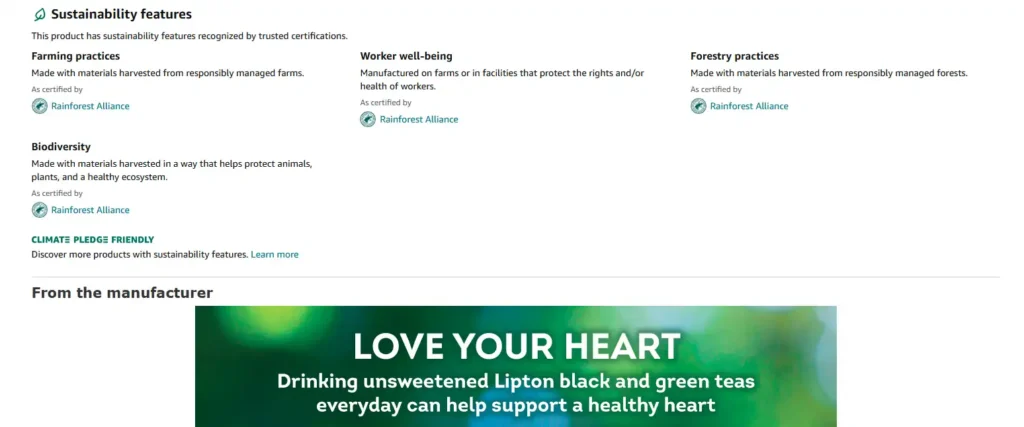
If you are brand registered, A+ Content replaces it with image modules, comparison charts, and brand story blocks. Use it. In our client accounts A+ consistently lifts conversion, and it doubles as trust-building real estate no plain paragraph matches. One caution from testing: A+ body text indexes weakly, so keep every important keyword in your title, bullets, or backend field rather than parking it in A+ alone.
Pillar 6: Reviews and ratings
Social proof is the pillar you cannot write, only earn. That makes it the slowest, and in my view the most durable.
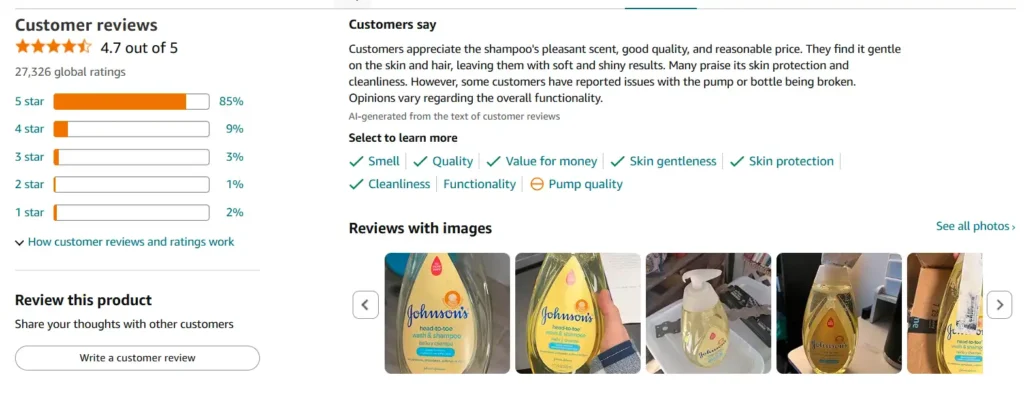
Reviews work on the listing twice: the rating affects who clicks, and review content affects who buys. More reviews also stabilize your conversion against the occasional one-star.
The legitimate playbook:
- Use the Request a Review button (or automate it within Amazon’s rules).
- Enroll new products in Vine if brand registered, to escape the zero-review cold start.
- Fix what negative reviews repeat. A recurring complaint is product feedback wearing a one-star costume. Solve it and the rating rises at the source.
- Never incentivize or buy reviews. The suspension risk is total and the accounts rarely come back.
Bonus: what sits on top of the pillars
Once the six are solid, the compounding extras:
- Backend keywords, filled to the byte limit with synonyms and variations your copy could not hold.
- Split testing through Manage Your Experiments, so image and title decisions get made by shoppers instead of meetings.
- PPC campaigns, which buy traffic while the listing earns rank, and whose search term reports feed the keyword pillar back at the start.
That loop, ads feeding data feeding the page, is how a listing keeps improving after launch instead of decaying. Most catalogs decay. Yours does not have to.
FAQ
What is Amazon product listing optimization?
The practice of improving the six elements Amazon and shoppers judge you by: keyword targeting, title, images, bullet points, description or A+ Content, and reviews. Done well, it improves both search visibility and the conversion rate that sustains rank.
How important is keyword research in Amazon listing optimization?
Foundational. Keywords determine which searches your product is eligible to appear in; without the right ones, the rest of the listing never gets seen. Relevance beats volume when choosing them.
How many images should an Amazon listing have?
Use all nine slots if you can (roughly seven display on the detail page). A strong stack combines a compliant white-background main image, close-ups, lifestyle shots showing scale, and an infographic carrying the top benefits.
Do images affect Amazon ranking?
Indirectly and powerfully. The main image drives click-through and the full stack drives conversion, and both feed Amazon’s ranking systems. In our audit experience, images are the highest-ROI element sellers underinvest in.
What is the ideal Amazon title length?
Around 80 to 150 characters, front-loaded with the product type and primary keyword. Category rules often allow up to 200, but mobile search truncates early, so the opening words carry most of the weight.
How do I get more reviews on Amazon?
Deliver quality, use the Request a Review feature consistently, enroll eligible new products in Vine, and fix the issues negative reviews repeat. Avoid incentivized reviews entirely; they violate policy and risk the account.
Last updated: August 26, 2026. Character limits, image requirements, and program rules vary by category and change over time; Seller Central’s style guides carry the current specs.







