
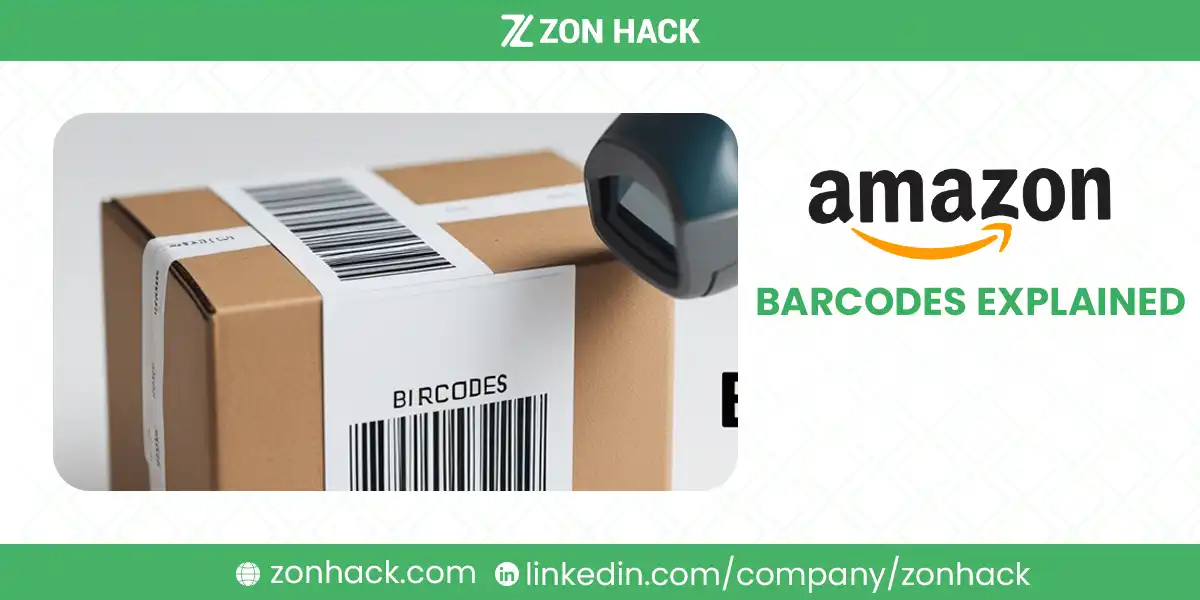
Amazon barcodes come in two families: manufacturer codes (UPC, EAN, ISBN, the GTINs) that identify the product globally, and Amazon’s own codes (FNSKU, ASIN, Transparency) that identify it inside Amazon’s system. Most sellers need two: a GS1-issued GTIN to create the listing and, for FBA, either an FNSKU label on each unit or, for brand owners on eligible products, the manufacturer barcode itself.
That is the map. The confusion, and I see it weekly in client onboarding, comes from treating these as interchangeable. They are not. Mixing them up causes stranded inventory, defective-unit charges at check-in, and rejected listings, and every one of those is avoidable. This guide covers what each code does, when you need it, and the labeling rules that get shipments through check-in.
One scope note: this post covers which barcodes and why. The physical print specs (dimensions, dpi, placement measurements) live in our companion piece on Amazon barcode size requirements.
What changed in 2026
Two Amazon decisions rewrote the FBA side of this topic, so older guides (including earlier versions of this one) need reading with care.
Commingling ended on March 31, 2026. Before that date, units sent on a manufacturer barcode joined a shared pool, and a buyer could receive another seller’s unit. Amazon now says customers who buy from you receive only your inventory, returns and removals included.
Resellers lost the stickerless option on the same day. Anyone selling a brand they do not own, authorized or not, labels every unit with an FNSKU. Units that arrive without the required label are treated as defective and are not eligible for reimbursement, which is an expensive way to learn the rule.
Amazon stopped labeling for you. The US prep and FBA labeling service ended on January 1, 2026, so labels go on at the factory, at a prep center, or at your own bench.
My summary for a new seller: the GTIN question hasn’t changed at all, and the FNSKU question now has a two-word answer. Own brand, optional. Resold brand, mandatory.
The two barcode families
- Manufacturer barcodes (GTINs): UPC, EAN, ISBN, JAN. Issued by GS1, printed on retail packaging worldwide, and required by Amazon to create most new listings.
- Amazon’s identifiers: the FNSKU (your unit’s FBA label), the ASIN (the catalog entry), your SKU (your own internal code), and Transparency codes (anti-counterfeit serialization).
Every item you launch touches both families. The GTIN gets you into the catalog. Amazon’s identifiers run the logistics. Keep that split in mind and the rest falls into place.
GTINs: UPC, EAN, ISBN, and JAN
| GTIN type | Digits | Used in |
|---|---|---|
| UPC (Universal Product Code) | 12 | USA and Canada |
| EAN (European Article Number) | 13 | Europe and international |
| ISBN (International Standard Book Number) | 10 or 13 | Books |
| JAN (Japanese Article Number) | 13 | Japan |
Amazon requires a GTIN for most new listings unless you hold an exemption (covered below). And it verifies them. Thoroughly.
Buy UPCs from GS1, nowhere else
Amazon cross-checks UPCs against the GS1 database, including which company the prefix belongs to. Those $5 packs from resellers are recycled prefixes registered to someone else, and when the GS1 record does not match your brand, listings get flagged or rejected, sometimes months after going live. I have watched that delayed failure ruin a Q4.
- Register at GS1.org (GS1 US for American sellers).
- License a company prefix, or purchase single GTINs for small catalogs, and generate your numbers.
- Assign a separate UPC to every variation: each size, color, and pack count is its own item as far as the numbering system cares.
I’d call cheap third-party UPCs the most common false economy in new-seller budgets. The savings are two digits. The cleanup is not.
FNSKU: the barcode that keeps your inventory yours
The FNSKU (Fulfillment Network Stock Keeping Unit) is Amazon’s per-seller, per-product label for FBA inventory. Two merchants can stock the identical item, same UPC, and their FNSKUs will differ, because the FNSKU encodes whose units these are.
That distinction used to decide everything, because stock shipped under the manufacturer code alone could be commingled with other sellers’ identical units. Amazon ended commingling on March 31, 2026. Since then, brand owners with the Brand Representative role can ship eligible products on the manufacturer barcode without stickers, and only their own units ship against their orders. Resellers, including authorized resellers, must put an FNSKU on every unit. No exceptions. For private-label sellers I think stickerless is now the sensible default on every product that qualifies, and I’d keep FNSKU only where a product fails the eligibility test. Our guide on how to change from manufacturer barcode to Amazon barcode covers the switch and the new rules.
Getting an FNSKU
- Create your listing in Seller Central.
- When you create the offer, choose Amazon barcode rather than the manufacturer barcode. The barcode type is fixed per SKU, so changing it later means a new SKU. Get it right the first time.
- Amazon assigns the FNSKU automatically.
- Print the labels and apply one per unit, covering the original UPC so only one code scans.
Your supplier or prep center can print FNSKUs directly onto packaging at production time, which beats hand-labeling a thousand units in your garage. With Amazon’s US labeling service ended on January 1, 2026, I’d say that upgrade alone often justifies the prep center fee.
ASIN, SKU, and Transparency: the other three
- ASIN: the 10-character catalog identifier Amazon generates when a product is first listed. You never create or print it; it identifies the product page itself, shared by every seller on that listing.
- SKU: your own internal code, defined by you, seen only by you. Use a naming convention that encodes what you need (item-color-size-batch); a disciplined scheme is what keeps a growing catalog auditable. Mine encode supplier and season too.
- Transparency codes: serialized QR-style labels from Amazon’s Transparency program, applied to each unit so Amazon and buyers can verify authenticity piece by piece. Available to brand-registered sellers, and worth the per-unit cost mainly for brands actively fighting counterfeits. For everyone else I’d wait. Enrollment requires Brand Registry first.
All six codes at a glance
| Code | Who issues it | Identifies | Printed on the unit? |
|---|---|---|---|
| UPC/EAN | GS1 | The product, globally | Yes, by manufacturer |
| FNSKU | Amazon | Your units in FBA | Yes, you or your prep |
| ASIN | Amazon | The catalog listing | No |
| SKU | You | Your internal tracking | Optional |
| Transparency | Amazon program | Each individual unit’s authenticity | Yes, enrolled brands |
Labeling that passes FBA check-in
Amazon rejects or relabels (for a fee) inventory with unscannable labels. The rules that matter:
- Print thermal at 300 dpi where possible. Inkjet smudges are the top rejection cause we see. Not even close.
- Standard label size 1 x 2 to 2 x 3 inches, flat surface, no folds, seams, or box edges.
- One scannable code per unit. Cover the UPC when applying an FNSKU; two visible codes is a coin-flip at the scanner.
- Download labels from Manage FBA Shipments in Seller Central rather than regenerating them elsewhere.
The full dimensional spec, printer settings, and placement measurements are in the barcode size requirements guide.
GTIN exemptions: listing without a UPC
Amazon grants GTIN exemptions for products that legitimately lack barcodes:
- Private-label and handmade products without retail packaging codes.
- Generic or unbranded goods in eligible categories.
- Bundles and certain category-specific cases.
Apply in Seller Central (search “Apply for GTIN Exemption”), select category and brand, upload photos showing the product and its branding, and Amazon typically answers within a couple of days.
My honest advice: treat the exemption as a bridge, never a strategy. If you are building a brand for the long term, GS1 codes cost little against everything else you are investing, they work on every other retail channel, and they remove a policy dependency Amazon has tightened before and can tighten again.
Best practices, condensed
- GS1 only for UPCs. No resellers, ever.
- FNSKU if you resell; your choice if you own the brand. Resellers must label every unit since March 31, 2026. Brand owners can go stickerless on eligible products, and in my view most should.
- Label at the source. Supplier or prep center printing beats manual labeling on cost and error rate.
- One scannable code per unit. Always.
- Keep a ledger. A simple sheet mapping SKU to UPC to FNSKU to ASIN saves real hours the day something mismatches. Ours has paid for itself dozens of times.
Need the whole compliance chain handled, from supplier label specs through prep and check-in? That is standing work for us; start with the prep center guide or talk to the team.
FAQ
Can I sell on Amazon without a barcode?
Only with a GTIN exemption, which Amazon grants for private-label, handmade, and certain category cases. You apply through Seller Central with photos proving the product lacks a standard barcode. Most other listings require a GS1-issued UPC, EAN, or ISBN.
What happens if I use a third-party UPC?
Amazon validates UPCs against the GS1 database, and a prefix registered to a different company can get your listing flagged, blocked, or removed, sometimes long after launch. Buy codes only from GS1.
Is an FNSKU required for every FBA product?
Not for everyone. It is required for resellers, including authorized resellers, on every unit shipped since March 31, 2026. Brand owners with the Brand Representative role can use the manufacturer barcode on eligible products instead, and since commingling ended on that date, their customers receive only their own units.
What is the difference between an ASIN and a UPC?
The UPC is a global product identifier issued through GS1 and printed on packaging. The ASIN is Amazon’s internal catalog code for the listing page, generated automatically and shared by all sellers on that listing. One product typically has one UPC and one ASIN, linked at listing creation.
How do I fix an “invalid UPC” error on Amazon?
Confirm the code came from GS1 and was entered without typos, and check that the brand on your GS1 record matches your listing’s brand. If the product genuinely has no valid GTIN, apply for a GTIN exemption instead of buying another questionable code.
What are Amazon Transparency codes?
Serialized anti-counterfeit codes from Amazon’s Transparency program, applied to every unit of an enrolled product so Amazon and customers can verify each item’s authenticity. Enrollment requires Brand Registry and adds a small per-unit cost, worthwhile mainly for brands with an active counterfeiting problem.
Last updated: October 25, 2026. Updated for the end of commingling and the reseller FNSKU rule on March 31, 2026. Barcode policies, GTIN exemption criteria, and labeling rules change; Seller Central’s product ID and FBA labeling pages carry the current requirements.