


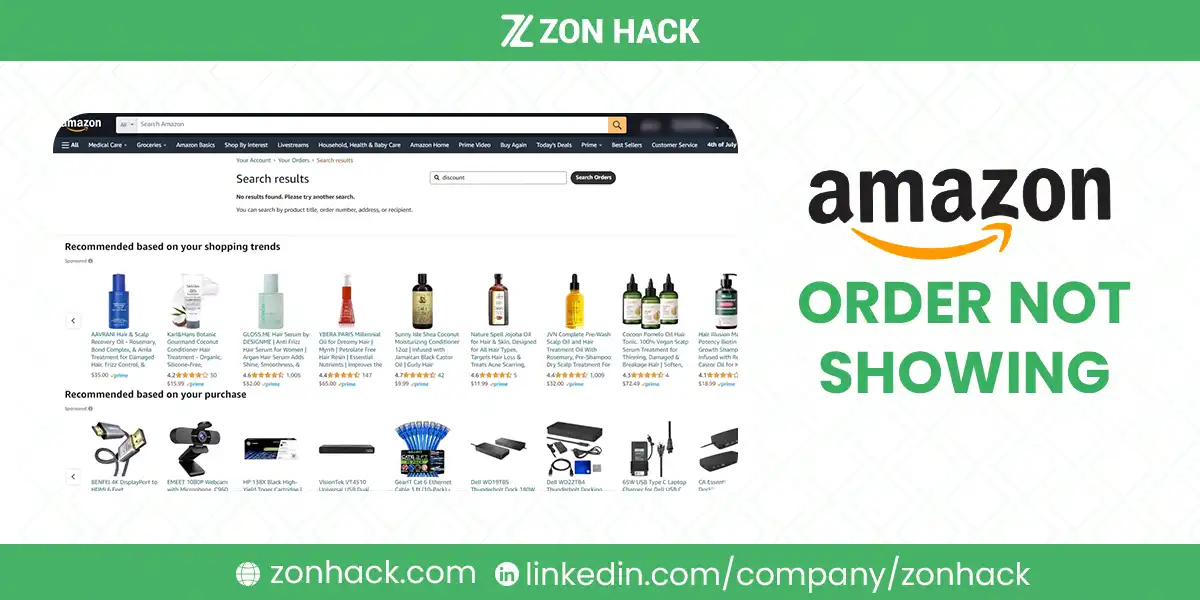
Your Amazon order is almost never actually lost. When an order doesn’t show up under “Your Orders,” it’s usually hidden by one of three things: the date-range filter, the Archived Orders section, or the fact that you ordered from a different account than the one you’re checking. Work through the checklist below and you’ll find it in a couple of minutes.
First, the 2-minute checklist
- Check the date filter. Your Orders defaults to the last 3 months. Ordered longer ago? Switch the dropdown to the right year.
- Check Archived Orders. Go to Account → Your Account → Archived Orders (or search “archived” in account settings). Orders you archived, even accidentally, disappear from the main list. In my experience helping people with this, archiving is the single most common culprit.
- Confirm you’re in the right account. Search your email for the order confirmation and check which address received it. Household members, work profiles, and old addresses catch almost everyone eventually. I think of this as the family-iPad problem.
- Check Digital Orders. Kindle books, apps, and other digital purchases live under their own tab, not the physical-orders list.
- Look for a pending payment. If your card declined or is still verifying, the order sits in limbo and may not display. Check Your Payments for a failed charge.
- Try another device. If the website misbehaves, the mobile app often shows the order fine (and vice versa). That confirms it’s a display glitch, not a missing order.
- Search your email for the confirmation. No confirmation email in inbox or spam means the order may never have completed. That panic-purchase at midnight might not have gone through.
- Still nothing? Contact Amazon support with your payment details and the approximate order date. They can find orders by charge amount even without an order number.
That’s the whole fix for most people. Frankly, steps 1 through 3 solve it nine times out of ten. The rest of this guide explains the why behind each cause, so you can tell which one you’re dealing with.
Why your Amazon order isn’t showing up
You archived it (or someone did)
Amazon lets you archive orders to hide them from the main list, a feature people use for gifts and then promptly forget about. Honestly, I’d rank it the sneakiest cause on this page. Archived orders don’t appear in Your Orders or its search results. They’re only visible in the dedicated Archived Orders page. If several old orders are “missing” at once, this is almost certainly why.
The date filter is hiding it
Your Orders shows the past 3 months by default. Anything older needs the dropdown switched to a specific year. Simple, but I suspect it accounts for a bigger share of these searches than every glitch combined.
You’re in the wrong account
Multiple emails, a household member’s login, an old work account: any of these means the order exists, just not where you’re looking. The order confirmation email tells you instantly which account owns the purchase.
It’s a digital purchase
Kindle content, Prime Video rentals, apps, and subscriptions appear under Digital Orders, a separate tab from physical orders. Subscribe & Save deliveries also display differently from one-off purchases.
Payment is still processing
Orders with pending or failed payments can sit invisible until the charge clears. During checkout spikes (Prime Day, Black Friday), processing can lag by minutes to hours. If your card was declined, Amazon holds the order and emails you rather than listing it normally.
A plain technical glitch
It happens. My first move is always an incognito window; failing that, clear the cache or check the app instead. Glitches typically resolve within hours, and the confirmation email is your proof the order exists in the meantime.
Security verification is holding it
Unusual activity (a new device, a different country, an unusually large first purchase) can trigger a security hold. These orders stay out of view until you verify. Check your email and phone for a verification request from Amazon.
The order never completed
Sometimes the “missing order” was never placed. Interrupted checkout, an expired card, a session timeout at the payment step. No confirmation email is the tell. Re-check your cart; in my experience the items are usually still sitting there, patiently waiting.
When to actually worry
Wait 24 hours before escalating (48 during Prime Day or the holidays). If the charge appears on your card but Amazon support can’t find the order after that window, dispute options open up: Amazon can trace orders by charge amount and date, and your bank can reverse charges for undelivered goods as a last resort. In the hundreds of cases I’ve read and handled, genuine lost-order situations are vanishingly rare, it’s filters and archives nearly every time.
If your order exists but got canceled instead, that’s a different problem with different fixes, we’ve covered it in why Amazon orders get canceled.
FAQ
How long should I wait before worrying about a missing order?
Give it 24 hours after checkout, or 48 during peak events like Prime Day. Pending payments and processing backlogs clear on their own in that window, and the order usually appears retroactively with the original order date.
Can a missing order still be delivered on time?
Yes. Display issues don’t touch fulfillment: the warehouse works from the transaction record, not from what your account page shows. If you got a confirmation email, the delivery clock is running normally.
Where are archived orders on Amazon?
Account → Your Account → Archived Orders. On the app, it’s under Your Orders → filter menu. Archived orders can be unarchived from the same page, which puts them back in your main list.
What if there’s a charge on my card but no order anywhere?
Contact Amazon support with the exact charge amount and date; they can locate purchases without an order number. If they find nothing and the charge stands, ask your bank to dispute it. Also check whether a family member’s account placed the order on a shared card.
Selling on Amazon rather than shopping? When customers report missing orders, it’s usually the same causes in reverse. Our account management team handles buyer-experience issues like this for seller brands every week.
Last updated: August 18, 2026.







