
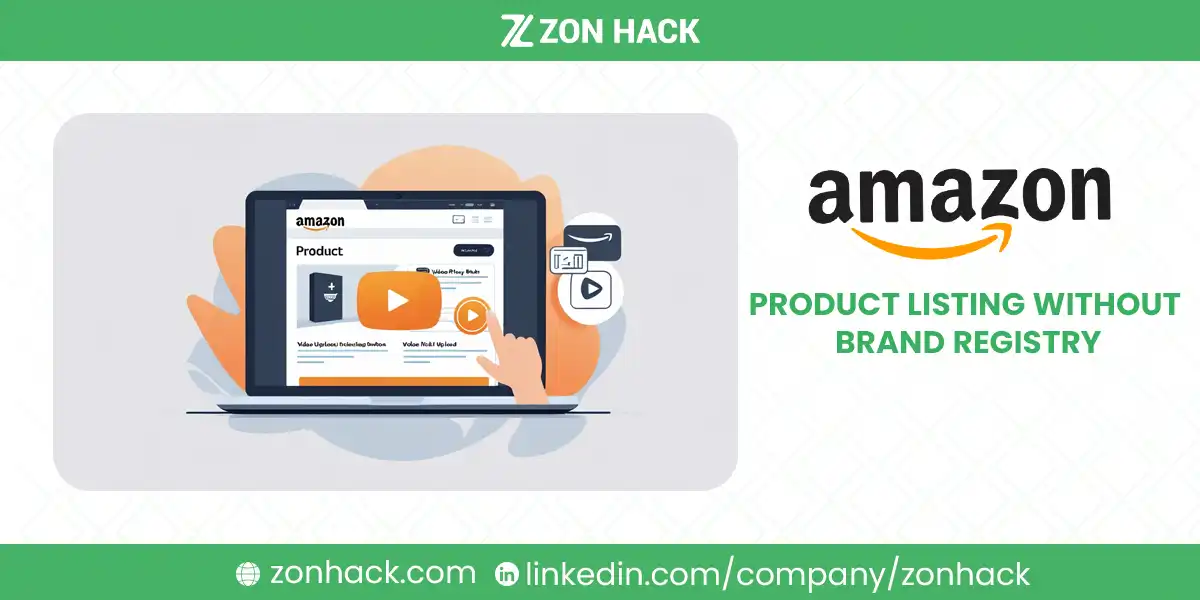
You can add a video to your Amazon product listing without Brand Registry. Amazon’s current US
rule is that your account must have been “active for more than three months (brand-registered or
non-brand registered)”, with a Professional selling account and live listings. If you qualify, upload it
yourself in Seller Central; no workaround needed.
Older guides, including an earlier version of this page, said listing video needed Brand Registry.
That’s no longer true for the video next to your product images. Brand Registry is still required for
video in A+ Content, in a Brand Store and in Sponsored Brands ads.
Two widely published workarounds are not compliant, and both appear in guides on this exact topic. Asking friends or family to upload video as though they were independent shoppers breaches Amazon’s community content policy. Paying a third party with elevated access to inject video into a listing you do not own the brand rights to is worse. Neither is covered below except as a warning, and I’d rather lose the traffic than send someone toward a suspension.
We handle listing content for client accounts as an Amazon SPN Verified Partner. Here is what actually works.
Where video can appear, and what each needs
Worth mapping first, because “add video to my listing” means different things and the route differs for each.
| Placement | What it is | What it needs |
|---|---|---|
| Listing video (next to images) | Plays beside the product images on the detail page | An account active for more than three months, with or without Brand Registry |
| A+ Content video | A Premium A+ module below the fold | Brand Registry (ASINs registered to your brand) |
| Brand Store video | On your Store pages rather than the listing | Brand Registry |
| Sponsored Brands video | A video ad in search results | Brand Registry |
| Customer review video | Attached to a buyer’s review | Nobody’s permission |
| Influencer video | Shoppable video from creators in the Amazon Influencer Program | The creator’s eligibility, not yours |
Brand Store video is worth separating out because people search for it as though it were listing video and it behaves differently: it sits on your Store, it can be more brand-led, and it does not appear on the detail page where the purchase decision happens. Our guide to the Amazon storefront link covers the Store side.
How to add a video to your Amazon listing
If your account qualifies, this takes minutes, and most people never find the menu.
- Seller Central, then Catalog, then Upload and Manage Videos. Amazon also lets you upload through
Image Manager. Neither is inside the listing editor, which is why people miss it. - Upload the file, then attach it to the ASINs it applies to. Turn on the “Include ASINs product
variations” toggle and one video serves the whole variation family. - Add a title, language and thumbnail. The thumbnail (JPEG, PNG, GIF or BMP, under 5 MB) is what
shoppers see before pressing play, so treat it as an image decision rather than an afterthought. - Wait for review. Amazon says the initial review takes 1 to 7 business days, and the video then
appears on the detail page within three days of approval, longer around the holidays.
Up to 15 videos can be bulk uploaded at once, and US-Canada shared listings sync automatically. No
other marketplace sharing is supported, so upload separately for the UK or EU.
For A+ Content video, the route is different: build it into a Premium A+ module rather than through the video manager. Amazon charges nothing for Premium A+ and sets no extra eligibility for it beyond Brand Registry. Our guide to A+ Content examples and a template covers what belongs in those modules.
If you can’t upload yet
The three-month rule is the usual blocker for new accounts. Look under Catalog for the video upload
option; if it isn’t there, check your account age and that the ASIN has a live listing. While you wait,
the routes below still work.
Other compliant ways to get video onto your listing
Genuine customer video reviews
Real buyers can attach video to their reviews, and this content appears on the listing and carries the credibility of being independent.
You cannot manufacture it, and attempting to is where sellers get into trouble. What you can do is earn it:
- Ship a product good enough that people want to talk about it
- Use Amazon’s Request a Review button, which sends Amazon’s own neutral request
- Provide customer service that makes a positive review the natural response
- Include clear instructions and a good unboxing experience, since delighted customers film things
What you cannot do: offer anything in exchange for a review, ask for positive reviews specifically, or arrange for people with a material connection to your business to post as though they were ordinary customers. Amazon’s community guidelines exclude content from anyone connected to the product, and enforcement here reaches the account rather than just the content.
The Amazon Influencer program
Creators enrolled in Amazon’s Influencer Program can publish shoppable video that appears on product detail pages. Once a creator has enough videos approved by moderation and has signed up for onsite commissions, Amazon says shoppers “may” find their videos on relevant product detail pages. Placement is Amazon’s call, and a video about your product can also appear on similar products’ pages, including competitors’. Brands commission this content and it is a normal commercial arrangement.
The distinction that matters: a creator making a genuine video about your product under a disclosed commercial relationship is legitimate. A friend uploading a video while presenting as an unconnected shopper is not. The line is authenticity and disclosure, not whether money changed hands.
Practical notes. Approach creators whose audience actually overlaps your product. Send the product and let them form their own view rather than dictating a script, since prescribed content reads as an advertisement and performs like one. Expect a real fee, and expect to be told no sometimes. In my experience the creators worth working with are the ones who ask questions before agreeing.
Video hosted off Amazon
Video on your own site, social channels, and advertising still does work for you even when it never appears on the listing. Shoppers research before they buy, and a demonstration they found on YouTube influences the purchase they make on Amazon afterward.
This is also the route that builds an asset you own, which the on-listing routes do not.
What Brand Registry still adds
You no longer need Brand Registry for listing video. It’s still worth having for everything around it:
A+ Content (including video), a Brand Store, Sponsored Brands video ads, and the enforcement tools that
protect your listings. (Vine is also open to sellers of generic products without Brand Registry.)
It requires a registered or pending trademark, which is the real barrier. Registration takes months and costs money, and I’d say plainly that there is no route around it worth taking.
Two things worth knowing:
IP Accelerator shortens the wait. Amazon’s program grants Brand Registry access on a pending application through participating law firms, rather than making you wait for full registration. Our guide to IP Accelerator covers whether it is worth the cost, and our guide to Brand Registry covers enrollment.
If you are reselling other brands, be careful. You cannot register someone else’s brand. Amazon’s video rules say to post only your own content or content you have permission to use, and on a shared detail page the brand owner controls the content, so I’d only add video with the brand’s written permission.
Video or better images first?
Amazon says sellers who added videos saw a 24% increase in sales compared with ASINs without one, based on
its own data for January to June 2026. Treat that as Amazon’s figure about its own feature. I’d still fix
the images first if they’re weak, because they decide the click from search before anyone can play a
video.
Images do most of the work. Amazon recommends at least six additional images plus one video, and most sellers use four badly. One gotcha: for softlines, Amazon says a video is suppressed on desktop if the listing has six or more images. Infographic images, scale references, in-use shots, and a clear main image move conversion more than a video most shoppers never play. Our guide to listing optimization covers the order of impact and our image service covers producing them.
The bullets and title are free to improve. Rewriting them costs nothing and takes an afternoon.
Reviews outrank video for most shoppers. Rating and review count influence the click from search results, which happens before any video could be seen. I’d fix a 3.6 star average long before commissioning a film.
In our experience a seller with strong images, honest bullets, and a healthy rating outsells a seller with a video and a mediocre page, consistently. I’ve seen this often enough to stop treating video as the missing piece it gets described as.
Amazon’s video requirements
Worth knowing before you commission anything, since reshoots are expensive.
| Specification | Amazon’s US requirement |
|---|---|
| File format | MOV or MP4 |
| Maximum size | 5 GB |
| Resolution | Up to 1080p |
| Aspect ratio | 16 x 9 horizontal or 9 x 16 vertical |
| Duration | 1 to 12 minutes |
| AI-generated people | Tag the file “contains-synthetic-performer” in its metadata |
Content rules. Amazon doesn’t allow external website links, promotional calls to action, unauthorized
music or artwork, visible third-party branding, misleading claims, or promotional content.
What I’d add on top:
- Stay close to Amazon’s one-minute minimum unless the product genuinely needs a demonstration.
- Show the product working in the first few seconds rather than building to it.
- Caption the key points; Amazon asks for clear audio, but plenty of shoppers watch muted.
- Shoot vertical 9 x 16 if most of your buyers are on phones.
The content rules cause most rejections we see. A video mentioning a discount or naming a competitor gets pulled, and the seller usually blames the upload rather than the content.
One more consideration before you spend anything. Video is the most expensive asset on a detail page to produce and the hardest to revise, since a change means a reshoot rather than an edit in Photoshop. Script it around what does not change: how the product works, what it fits, how it feels in the hand. Leave prices, promotions, seasonal framing, and anything about your current range out entirely, and the film stays usable for years rather than months.
FAQ
How do I add a video to my Amazon listing?
Go to Seller Central, Catalog, then Upload and Manage Videos, upload the file, attach it to your ASINs, add a title and thumbnail, and wait for review: 1 to 7 business days, then up to three days to publish. Your account must have been active for more than three months; Brand Registry is not required.
Can I add video to an Amazon listing without Brand Registry?
Yes, for the video next to your product images. Amazon’s US rule is that your account must have been active for more than three months, whether or not your brand is registered. A+ Content video, Brand Store video and Sponsored Brands video still require Brand Registry.
What are Amazon’s video requirements for listings?
MOV or MP4, up to 5 GB, up to 1080p, 16 x 9 or 9 x 16, and 1 to 12 minutes long. No external links, promotional calls to action, unauthorized music, third-party branding or misleading claims. Videos with photorealistic AI-generated people must carry the “contains-synthetic-performer” metadata tag.
Can I ask friends or family to upload a video to my listing?
No. Amazon’s community content policy excludes content from anyone with a material connection to the product, including friends, family, and employees. Doing it anyway risks content removal and account level enforcement, and it is one of the most commonly published pieces of bad advice on this topic.
Is paying someone with Brand Registry access to add video to my listing allowed?
No. Adding content to listings you do not hold the brand rights for is a misuse of those permissions, puts your account at risk, and puts theirs at risk too. Services offering this are selling something that will not survive scrutiny.
Do Amazon Influencer videos count as a compliant route?
Yes. Creators in the Amazon Influencer program can publish shoppable video to product pages, and commissioning them is a normal commercial arrangement. The requirement is authentic content under a disclosed relationship, not an arrangement disguised as an ordinary shopper’s opinion.
How long should an Amazon product video be?
Amazon’s current US specification is 1 to 12 minutes. Within that, keep it close to the minimum unless the product needs a demonstration, show it working in the first few seconds, and caption the key points.
Is video worth more than better images on Amazon?
Amazon reports a 24% average sales increase for sellers who added video (its own data, January to June 2026). Images and reviews still decide the click from search results before a video can play, so fix weak images first, then add video.
Last updated: October 24, 2026. Amazon’s video upload eligibility, community content policies, and technical specifications change. Seller Central carries the current requirements for your account, and policy compliance is your responsibility rather than any article’s. Sources: Amazon, shoppable video guide; Amazon, product video; Amazon, A+ Content guide; Amazon, product image guide; Amazon Influencer Program, video; Amazon, Vine; Amazon, Brand Registry requirements.