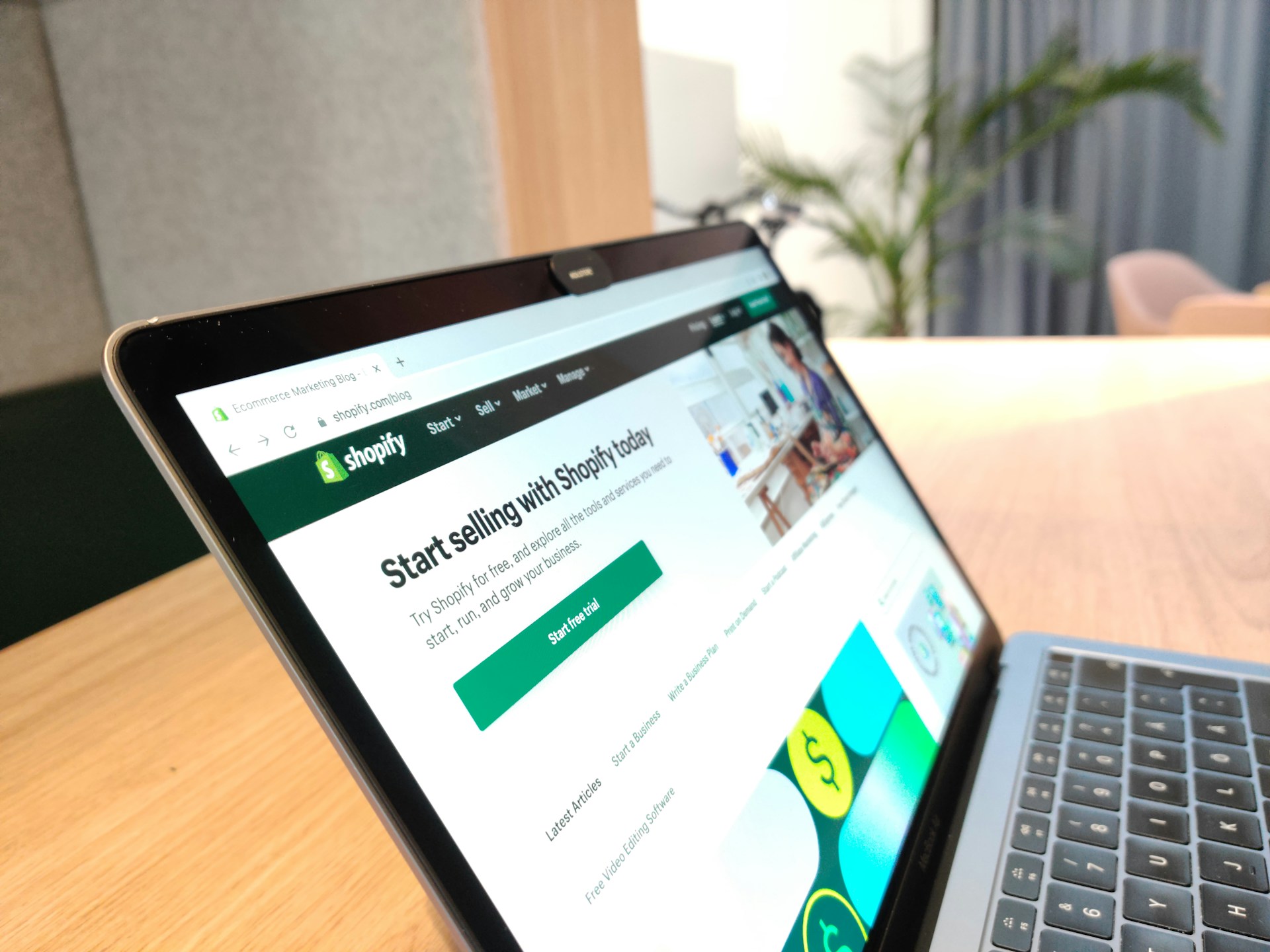
When you’re running a Shopify store, how your website looks isn’t just a nice-to-have. It’s part of how you connect with your shoppers. Many store owners want to make their site stand out, but editing code isn’t something they’re comfortable with. And honestly, most of us don’t want to spend Friday night scrolling through support forums just to figure out how to shift a button to the left.
That’s where using a Shopify theme customization service starts to make more sense. It gives you the chance to get the look you want without getting deep into technical work. Instead of spending hours trying to fix something small, you can focus on what you’re good at while still getting a site that feels like it’s truly yours. At ZonHack, the same team that supports sellers on Amazon, Walmart, eBay, Etsy, and Shopify uses data-driven design decisions so your store layout is built with real buyer behavior in mind.
What Theme Customization Means on Shopify
Themes are the base design of your store. They control the stuff your customers actually see, like layout, colors, fonts, banners, product pages, and more. In Shopify, every store starts with a theme, and while each theme comes with built-in settings to change things around, there are limits unless you start digging into the code.
Theme settings are what most people use. These let you:
- Change colors and font styles without typing any HTML or CSS
- Swap out banners or buttons to match your seasonal messages
- Adjust layouts within specific page sections using built-in choices
Full code edits go deeper. That’s where you’re rearranging entire templates or adding new sections that don’t exist in the first place. Unless you’re already comfortable with Liquid (Shopify’s coding language), there’s a learning curve.
If that makes your head spin, you’re not alone. Many Shopify users benefit from theme customizations done for them by people who know how themes work at every level. ZonHack’s in-house designers, writers, and marketplace specialists already create high-impact visuals and layout-driven A+ content for Amazon, so they are used to shaping pages that both look good and support conversions.
Common Changes You Can Make Without Using Code
Shopify makes it simple to make visual changes to your site without editing any code. The theme editor offers a drag-and-drop style layout where you can rearrange sections and blocks. Most of the layout is built from blocks that can be added, moved, or hidden depending on what you want your visitors to see.
Here are some of the most common changes shop owners make using these tools:
- Update brand colors and fonts to match your logo or packaging
- Replace homepage banners with something seasonal or new
- Add sections like testimonials, featured collections, or email signups
- Rearrange featured products to give certain items more attention
- Adjust spacing and sizing so your layout feels more open or tight
Another thing that matters more than ever is mobile responsiveness. Shopify themes are built to adjust automatically for different screen sizes, but things like oversized images or tightly packed sections may need a little finessing. Making mobile-friendly updates helps improve the shopping experience, especially as more customers browse on their phones.
Why DIY Setup Doesn’t Always Get the Job Done
Even though Shopify does a good job making themes easy to use, there are still some spots where frustration creeps in. Maybe you’re trying to line up text next to images, or your homepage feels cluttered no matter what you do. Or maybe the product grid looks great on desktop but feels off on mobile.
Here are some common trouble points that come up:
- Homepage layout tweaks that don’t flow well across devices
- Product page designs that miss opportunities to tell a stronger story
- Trouble keeping consistent branding across every part of the site
- Confusing menu structures or hard-to-find collections
A few hours can quickly slip away trying to fix those little details. And while those tweaks may seem small, they can make your store look unfinished if not handled right. That’s why some sellers prefer handing theme adjustments off to someone who’s already done it many times.
Working with a Shopify theme customization service adds value without adding stress. It helps cut down trial-and-error so that your site comes together faster and looks more polished from the beginning.
How Customized Themes Make Stores Feel More Trustworthy
Customizing your Shopify theme doesn’t just make things look prettier. It plays a big role in how new visitors feel when they first land on your homepage. If your store looks clean, professional, and put-together, shoppers are more likely to trust it and stick around.
Here’s what helps create that sense of trust:
- A layout that’s simple to navigate with clear category links
- Page speed that doesn’t frustrate people or cause early exits
- Fonts, colors, and spacing that feel cohesive from page to page
Brands often forget that visual consistency sends a message. When every part of a store looks like it belongs to the same brand, it tells buyers that you’ve paid attention and that your products are probably worth a second look. Even small design touches, like matching button colors or using clear callouts for promotions, can add to that feeling.
That’s where a custom theme really shows its value. It’s about creating a full brand experience wrapped into the layout, not just making it look nice. ZonHack’s experience with storefront design and optimization on major marketplaces means they are used to building layouts that support brand storytelling as well as everyday shopping.
The Real Payoff of Getting the Look You Want Without the Stress
Getting your Shopify theme to a place where you’re happy with it can feel like a big task. But handing off those edits, tweaks, and refinements to someone who understands the platform can save you hours and give your store a more confident feel. Whether you’re refreshing your design or building your store for the first time, leaning on that know-how means you don’t have to guess your way through every button and banner.
Smooth shopping experiences start with design. When your store looks put together, shoppers notice. They feel more at ease browsing your collections or checking out their cart. And you feel better knowing your site reflects what you’ve worked hard to build. With the right help, getting your theme just the way you want it doesn’t have to be complicated. It just has to make sense.
Getting your Shopify store to feel just right doesn’t have to drain your time or energy. With expert help on layout, mobile responsiveness, and visual consistency, your site can start working harder for you and your customers. Our shopify theme customization service is built for store owners who want a more polished, professional look without getting stuck in the code. At ZonHack, we help you skip the frustration and get the design you’re after, quicker and with fewer steps. Let us know when you’re ready to take the stress out of theme edits.